
In special education, IEP data tracking isn’t just a legal requirement, it’s the key to making informed decisions about student progress and ensuring that instruction is meeting individual needs. While traditional paper binders and checklists have their place, digital data collection tools for special education can save time, improve organization, and make data analysis easier than ever.
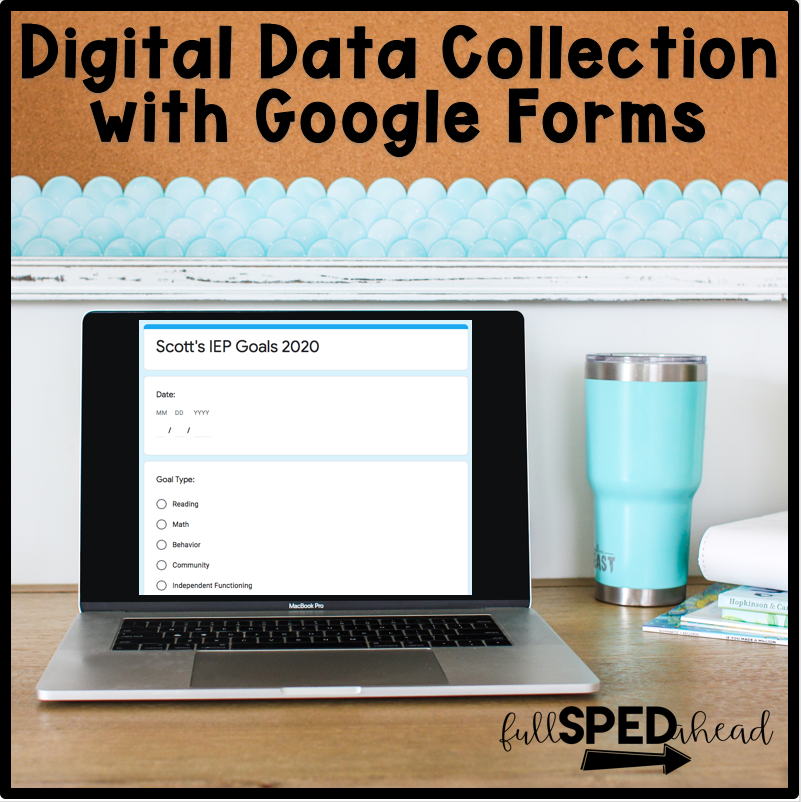
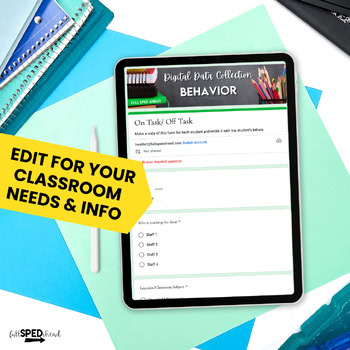
1. Editable IEP Data Collection Sheets for Easy Daily Data Entry
Google Forms is one of the most flexible and accessible tools for IEP data tracking. You can create a form for each student or goal, add dropdowns for skill levels, and even use checkboxes for yes/no mastery data.
Why It Works: Data automatically feeds into Google Sheets, making it easy to sort, graph, and review over time.
Pro Tip: Set up a shortcut to your Google Form on your tablet or phone so you can collect data on the spot.
2. Digital Checklists for Task Analysis
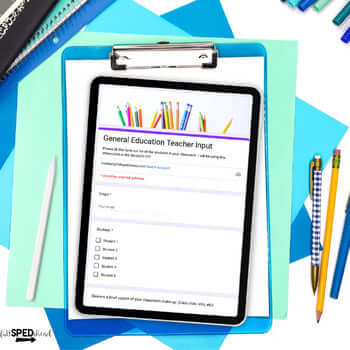
For skills that require step-by-step mastery (like life skills or vocational tasks), digital checklists make tracking much easier.
Why It Works: You can record which steps students complete independently versus with prompts, and you can keep long-term records without worrying about losing papers.
Pro Tip: Use apps like Google Sheets or Microsoft Excel with pre-filled task analysis templates.
3. Video Evidence for Skill Mastery
Sometimes progress is best shown, not just told. Short video clips can document a student performing a skill and provide evidence for IEP data tracking.
Why It Works: Videos capture subtle changes in performance that numbers alone can’t show.
Pro Tip: Keep videos organized in student-specific Google Drive folders labeled by skill and date.
4. Progress Monitoring Apps
Special education-specific apps like SEESAW, ClassDojo, or Goalbook allow teachers to log data, upload photos or videos, and track growth over time.
Why It Works: These platforms are designed for education, with built-in communication tools for families and easy progress report generation.
Pro Tip: Use app notifications to remind yourself to record data daily or weekly.
5. Digital Graphs for Visual Progress
Turning raw data into a visual graph can make student growth much easier to understand. Digital graphs allow you to see trends, identify plateaus, and adjust instruction quickly.
Why It Works: Visuals make it easier to communicate progress with parents, paraprofessionals, and administrators.
Pro Tip: Google Sheets can automatically generate graphs from your collected data, and with my Digital IEP Data Collection Bundle, those graphs are already set up for you.
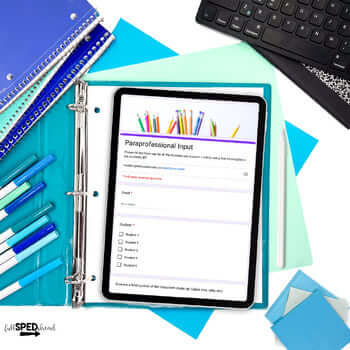
Digital IEP goal tracking isn’t about replacing everything you do, it’s about making your systems more efficient and accessible. By using tools like Google Forms, digital checklists, videos, apps, and graphs, you can streamline your tracking process and focus more energy on teaching.
If you’re ready to take the leap into digital progress monitoring, my IEP Data Collection Google Forms Bundle gives you ready-to-use forms, automatic graphs, and a fully organized system, so you can start tracking digitally today without the overwhelm.
