
Tracking IEP goals with Google Forms doesn’t need to involve clipboards, loose papers, or stacks of binders that never seem to stay organized. If you’ve ever tried to track student progress during a busy school day, you know how hard it can be to collect accurate data and keep instruction moving.
That’s why more special education teachers are switching to digital data collection and why I created a free Digital Data Collection Guide to help you set up simple, effective systems using Google Forms.
This guide walks you step-by-step through setting up digital IEP data tracking, organizing your forms, protecting confidential information, and even using QR codes to make data collection faster than ever.
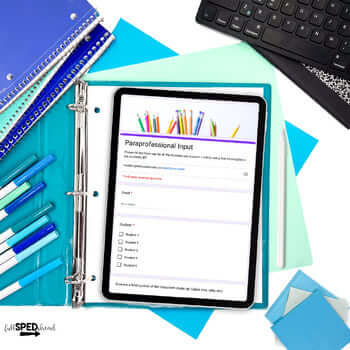
Special education teachers collect data constantly, during small groups, independent work, therapy sessions, life skills instruction, and behavior supports. Paper systems can quickly become overwhelming and inconsistent. Use forms to track IEP data!
Digital data collection helps you:
When data collection is streamlined, teachers can focus more on teaching and less on managing paperwork. Tracking IEP goals with Google Forms does not need to be complicated, let me show you how!
Google Forms to track IEP goals is one of the most powerful (and free!) tools for special education data collection when it’s set up correctly.
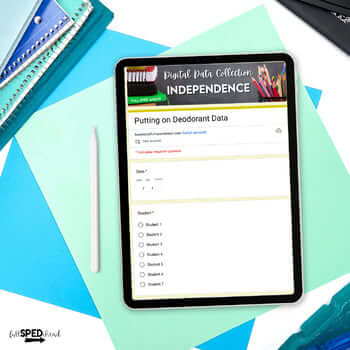
Inside the Digital Data Collection Guide, you’ll learn how to:
This system works beautifully for:
Bonus: How to Use QR Codes for Fast Classroom Data Collection
One of the biggest time-savers in digital data collection is QR codes.
Instead of searching for forms or clicking through folders, teachers and paraprofessionals can:
In the bonus section of the guide, you’ll learn how to:
This is especially helpful in self-contained classrooms where multiple adults are supporting multiple students throughout the day. Tracking IEP goals with Google Forms does not need to be complicated.
Protecting Confidential Student Information
Digital data collection must always protect student privacy. The guide includes clear, practical tips to help you:
You’ll feel confident knowing your data system is both efficient and responsible. Tracking IEP goals with Google Forms does not need to be complicated.
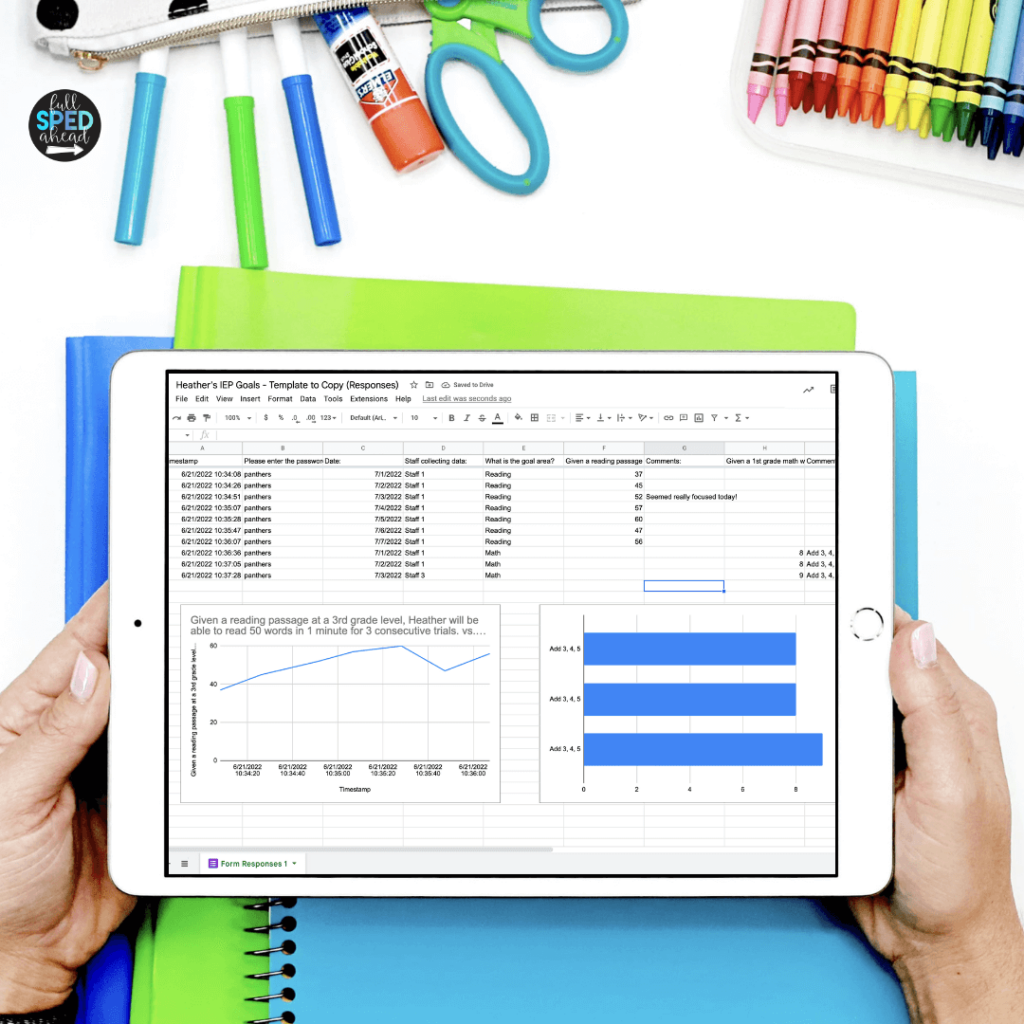
This guide is perfect for:
Whether you’re just getting started or refining your current system, this guide helps you build a process that actually works in real classrooms.
If you’re ready to simplify IEP data tracking, reduce paperwork, and feel more confident walking into IEP meetings, this free guide will help you get there. This guide will give you everything you need to know about tracking IEP goals with Google Forms.
👉 Download the FREE Digital Data Collection Guide here
Digital data collection and tracking IEP goals with Google Forms doesn’t have to be another thing on your to-do list. With the right setup, it becomes one of the most powerful tools in your special education classroom.
Read more on the blog about tracking IEP goals with Google Forms:
A Quick Guide to Digital Data Collection

